Instagram Reels sizes for restaurants — and TikTok, and YouTube Shorts
The vertical frame and the safe zones of all three short-video platforms — and why clips from the splento.ai library post as-is on every one of them.
Instagram Reels, TikTok and YouTube Shorts all use the same canvas: a vertical 9:16 frame. That is good news for a restaurant — one vertical clip covers all three platforms. What differs between them is not the size but the interface: each app lays its own captions and buttons over your video, in different places.
One frame, three platforms
| Platform | Frame | Where the interface covers your video |
|---|---|---|
| Instagram Reels | 9:16 vertical (1080 x 1920 canvas) | top ~250 px — account name and sound; bottom ~420 px — caption, buttons, progress bar |
| TikTok | 9:16 vertical | right edge ~120 px — like, comment and share rail; bottom ~300 px — caption and sound |
| YouTube Shorts | 9:16 vertical | right edge — action rail; bottom row — title and channel name |
The pixel values are approximate — they shift a little with phone models and app versions. The rule they add up to does not shift: the centre of the frame is safe everywhere, the edges belong to the interface.
What this means for food
Keep the plate in the middle of the frame. A steaming bowl framed edge to edge looks generous in the editor and loses its rim behind a caption on a real phone. Let the top and bottom of the frame carry steam, hands and atmosphere — nothing that hurts when a button sits on it.
One more Instagram quirk: the profile grid shows Reels cropped towards a square. If the dish is beautiful at the bottom of the frame, the grid shows the ceiling instead. Hero moment in the centre solves this too.
Clips from your splento.ai library post as-is
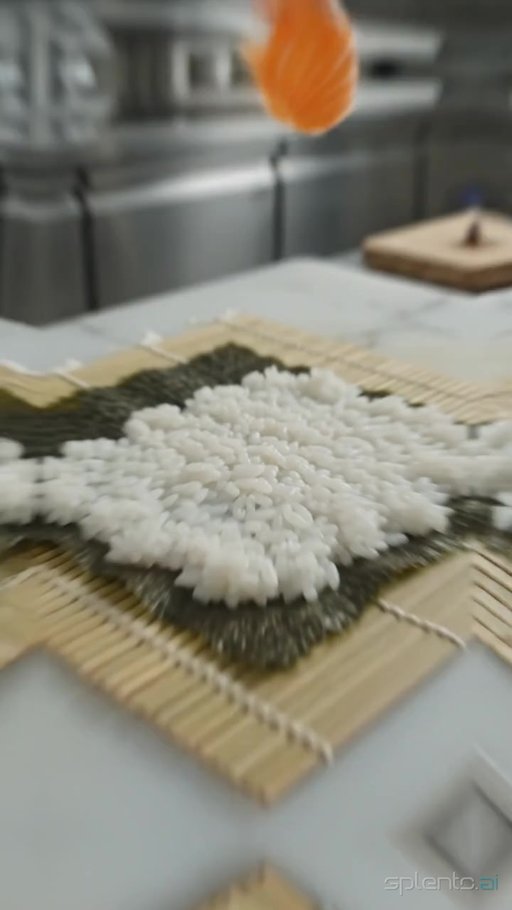
The splento.ai library of AI food videos carries both orientations. Vertical 9:16 clips are made for Instagram Reels, TikTok and YouTube Shorts, with the dish held in the centre of the frame — inside the safe zone of all three platforms at once: download one and publish it directly, with nothing to resize, crop or re-export. Horizontal clips are there for the places a vertical frame does not fit — your website, YouTube, a screen above the counter. The player shows you the shape of a clip before you take it.
Export settings are not something you need to think about either. Every platform re-encodes video on upload — what survives that re-encode is a clean, sharp, natively vertical source — exactly what a vertical library clip gives you.
The one thing to avoid
Do not take a horizontal video and crop or pad it to vertical. A horizontal clip with black or blurred bars reads as an advert; a clip cropped from horizontal loses the edges of the plate. Both are visible in the first second — which is the only second a feed guarantees you. If a clip was not shot vertical, it will not become vertical in an editor — that goes for horizontal stock footage too: vertical-first is the only format that survives all three feeds.
Start with the dish you actually serve
Pick the category closest to your menu — pizza, sushi, desserts or the full library — download a clip and post it. It is ready-made stock footage for restaurants, and the sizes are already right on all three platforms.
Questions
- What size are Instagram Reels?
- A vertical 9:16 frame on a 1080 x 1920 canvas. Any natively vertical clip fills it edge to edge. The splento.ai library carries both vertical and horizontal clips — the player shows a clip's shape before you download it, so picking a vertical one takes a glance.
- Can I post the same clip to Instagram, TikTok and YouTube Shorts?
- Yes. All three use the same vertical 9:16 frame, so one clip covers all of them. Only the interface overlays differ, and a centred subject is safe on every platform.
- Do I need to edit or resize clips before posting?
- Not if you start from a vertical clip: the dish is centred inside every platform's safe zone — download and publish as-is. Horizontal clips in the library are for your website or YouTube rather than Reels. The platforms re-encode video on upload anyway.
- Where do captions and buttons cover the frame?
- Instagram covers roughly the top 250 px and bottom 420 px; TikTok and Shorts add an action rail on the right edge. Keep the dish in the centre and nothing important is ever hidden.